
Home | Your Portal | Contact Me | Tuning Hardware and Software | Custom Tune Files | Free Software | Order Status | Archived Tech Section
This will show you how to capture your .MVF (Mako Value File) that you created in the SCT Tuning Software.
1. You can do this with or without hiding the non-changed parameters.
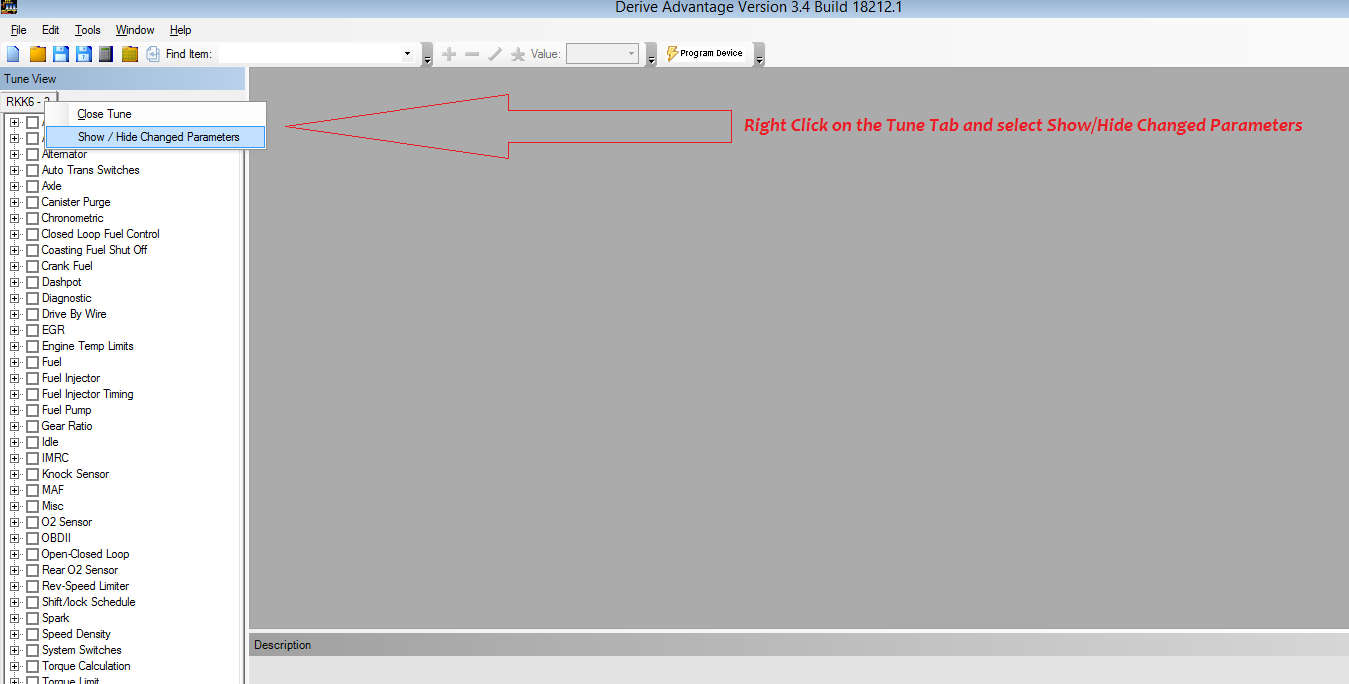
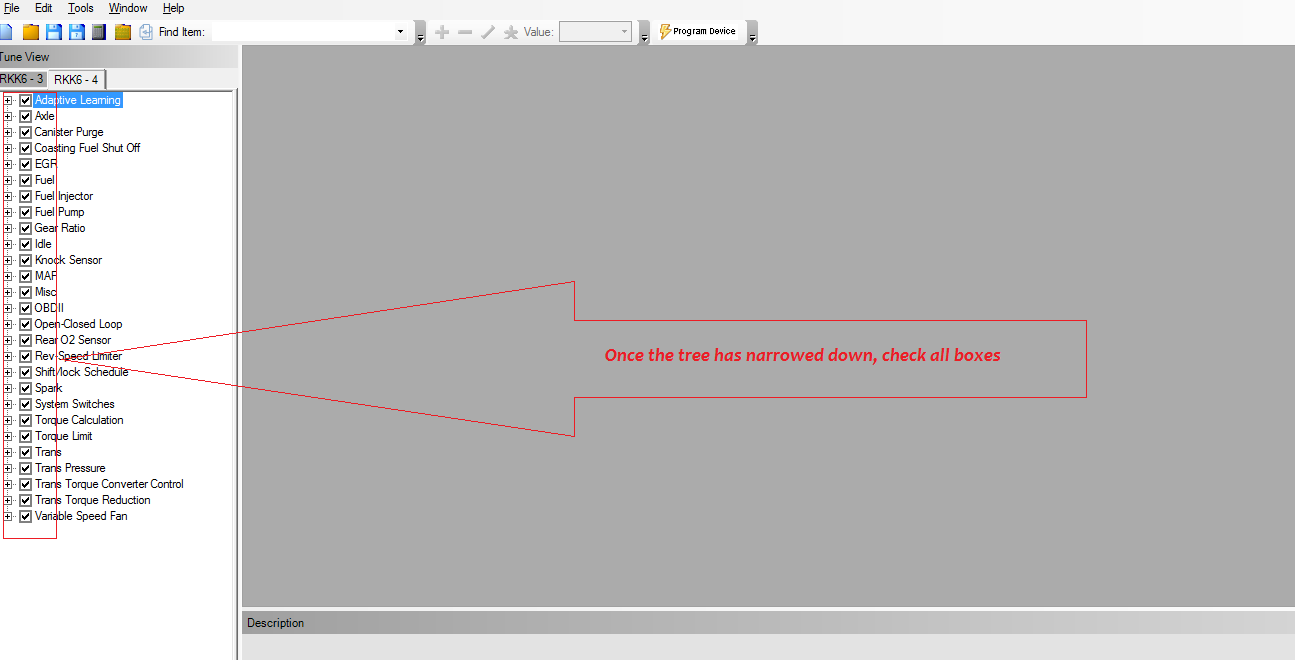
2. You can just select any box you want to be associated with the MVF.
3. Select "Save Selected Values"
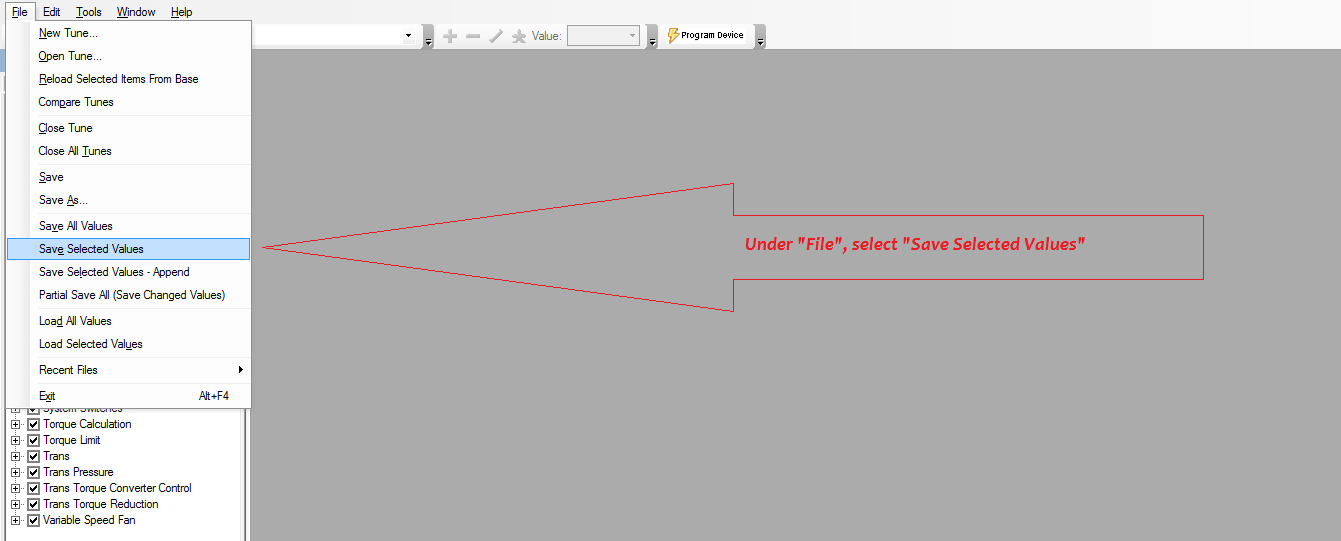
4. Make sure to select Mako Value File (*.mvf) then give it a name and save wherever you want.

